1 — Core philosophy
Most high-end machines leave the factory deliberately limited. Power limits, mediocre thermal paste, aggressive core parking, background services and conservative memory training all exist to reduce returns and support costs. The silicon is usually capable of noticeably more.
The job is to remove those artificial limits without introducing instability or shortening component life. Scores that only exist for thirty seconds in a synthetic run are worthless. Sustained, validated performance under real load is the only thing that matters.
Budget goes where it changes performance. An expensive motherboard does not automatically make a faster gaming PC. I prioritise GPU, CPU, cooling and memory according to your actual resolution, refresh rate and workload.
2 — Thermal service
Paste dries, pads compress and lose contact, heatsinks clog, and vapour chambers or heatpipes can develop voids. On laptops this is usually compounded by aggressive power limits that trigger the moment temperature or current thresholds are hit.
- Full disassembly and cleaning of heatsink, fans and chassis pathways
- Kryonaut or NT-H2 class paste in place of dried stock compound
- Quality thermal putty where pads have failed (better conformability, less pump-out)
- Contact pressure and mounting inspection
- Before-and-after logging of package temp, hotspot, power-limit throttling and clocks
Liquid metal and delidding are not standard. Gain can be real; so are migration risk, future service complications, and the small chance of damage. In-person only, with the downsides understood.
3 — Power limits and Windows behaviour
Modern Windows and OEM firmware contain multiple layers that prevent the CPU and GPU from sustaining the clocks the marketing material promised. Common limiters: OEM “Balanced” plans, core parking, MSI vs line-based interrupts, telemetry and scheduled tasks, NVMe power-state latency spikes, embedded-controller limits and hidden BIOS options.
I only change what produces a measurable improvement on the target workload. Debloat scripts that remove half of Windows are usually more harmful than helpful.
4 — Memory — primary, secondary, tertiary
- Primary (CAS, tRCD, tRP, tRAS) — necessary, far from sufficient.
- Secondary — often where the real latency gains live once primaries are set.
- Tertiary / sub-timings — the fine detail that separates a stable low-latency tune from a poster-boy primary-only profile.
Tuned for the actual memory controller, not a screenshot. Every change is followed by MemTest86, Karhu or equivalent coverage before a benchmark is accepted. AMD Infinity Fabric / FCLK and Intel gear modes are treated as platform-specific, not generic.
5 — Platform notes
AMD
- PBO2 and Curve Optimizer on Zen 2/3/4
- Per-core CO preferred over global where the silicon allows
- FCLK / UCLK / MCLK relationship is critical for latency
- H-series and APUs have extra EC and power-limit constraints
Intel
- Undervolt via XTU / ThrottleStop where still allowed
- PL1/PL2 and Tau dominate sustained performance
- Many modern laptops lock voltage control — I work within what exists
- Ring / cache and memory gear modes matter more than most people realise
On laptops the highest-ROI work is almost always thermal service + power-limit analysis + OS behaviour, not exotic memory timing. I say that clearly rather than selling unnecessary advanced tuning.
6 — Audiophile, HQPlayer, PGGB, ASIO
Windows is hostile to low-latency, high-rate digital audio by default. I configure HQPlayer, PGGB / PGGB-RT, DSD 512 pipelines where the stack can sustain them, correct ASIO behaviour, and DPC latency. No “audio optimiser” products.
7 — Cooling
Air cooling done properly is sufficient for most systems. Custom loops are justified by noise, multi-hour loads or specific thermal targets — not appearance. Soft tubing only: practical, serviceable, lower risk.
8 — Validation
- Baseline and final always use the same suite and settings
- Stress testing appropriate to the work (CPU, memory, GPU, or combined)
- Sensor logging throughout — thermal headroom vs silent throttling
- Rejection of any result that only appears under short, bursty loads
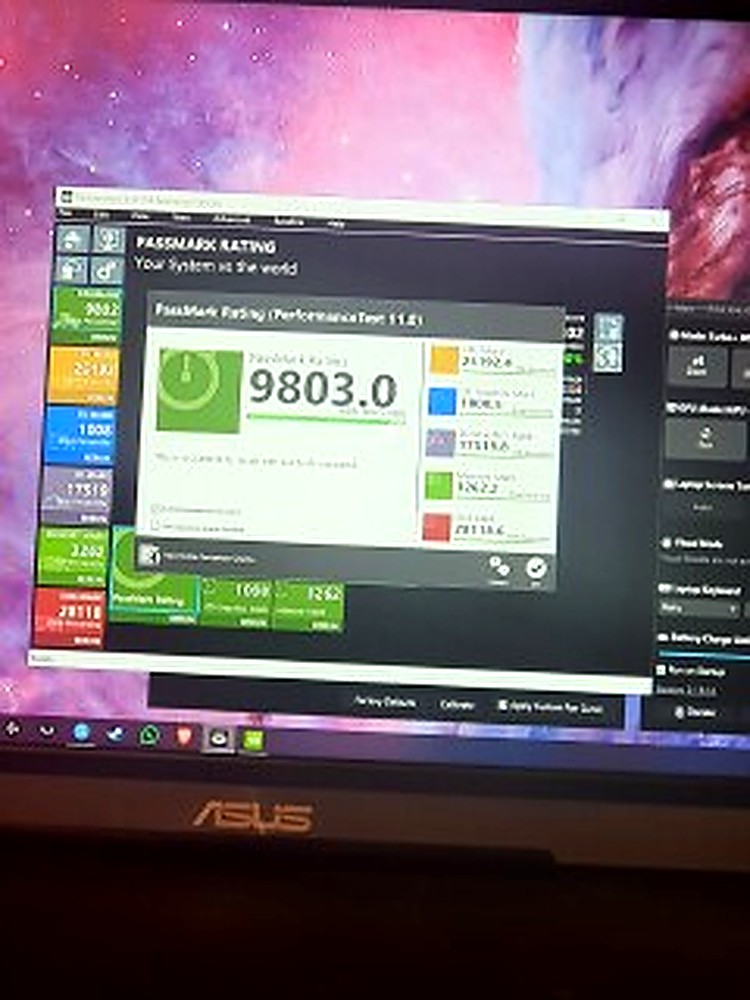
Tools in actual use: 3DMark, PCMark 10, Cinebench, PassMark, AIDA64, HWiNFO64, Prime95, OCCT, Linpack, MemTest86, LatencyMon, Curve Optimizer interfaces, ThrottleStop, DDU, NVCleanstall, NVIDIA Profile Inspector.
9 — What I will not do
- Liquid metal, delidding or GPU voltage mods as standard (in-person, informed consent only)
- Unsafe modifications that trade short-term scores for clearly reduced longevity
- Physical board mods without explicit written agreement
- Selling “optimisation” that is mainly deleting Windows components you still need
- Specifying systems mismatched to the actual monitor and workload