Forge Advanced · from £399
Primary timings are the ones everyone quotes. They’re not enough.
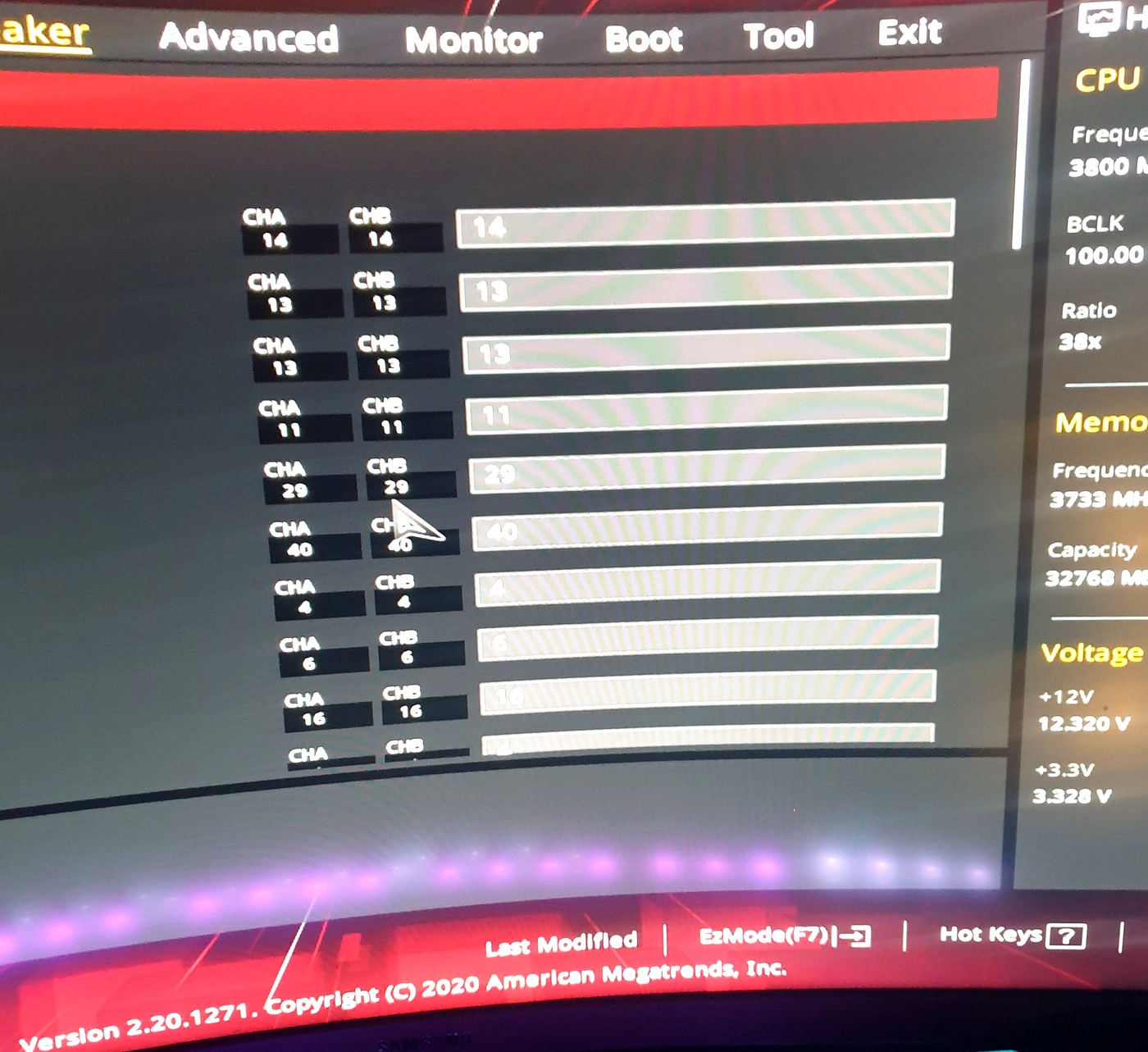
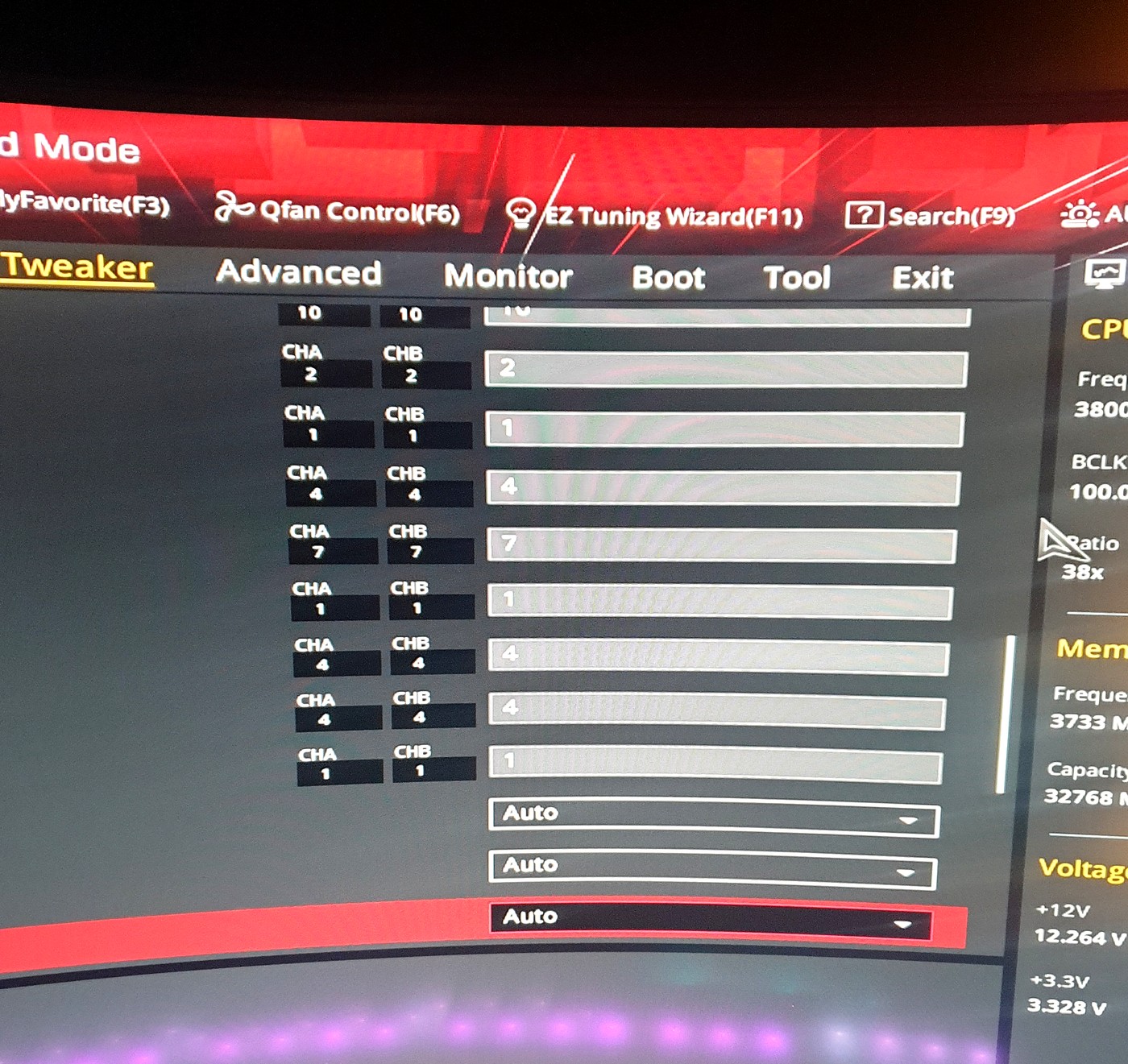
Manual memory work, Curve Optimizer / undervolt, iterative stability testing. A proper tune is measured in hours of iteration, not minutes of XMP/EXPO.
What’s included
- Everything in Performance Tune
- Manual memory tuning (primary, secondary, tertiary)
- Per-core Curve Optimizer where the platform allows it
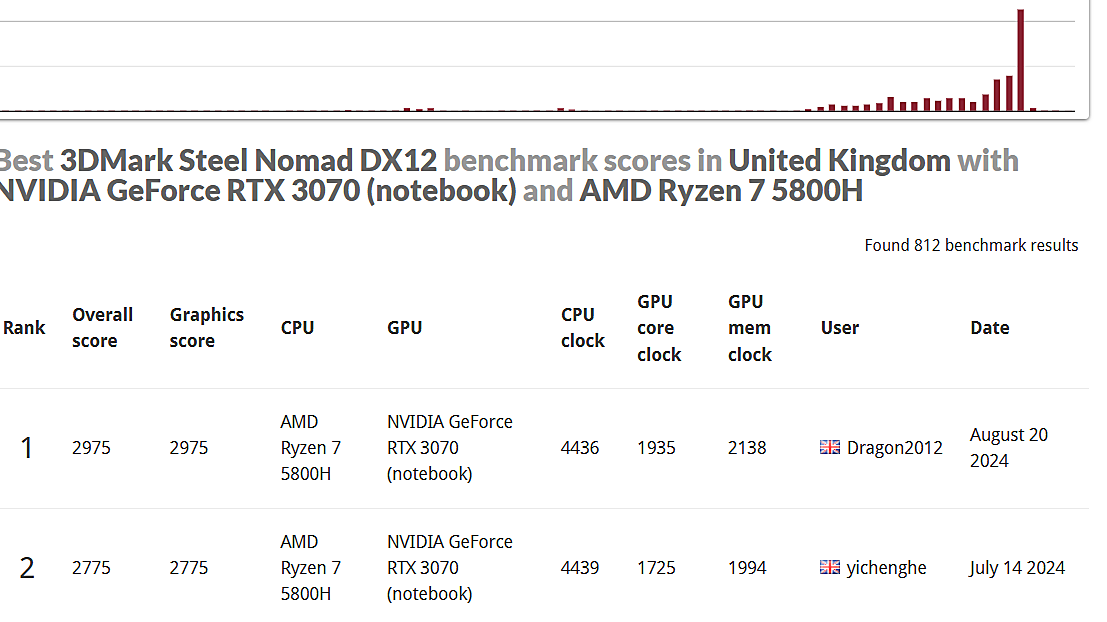
- Advanced GPU optimisation
- Extended stability testing
- Detailed results report
Memory tuning is iterative — change, restart, test, repeat. There is no shortcut. The time on the bench is what makes it stable.
Memory hierarchy
- Primary — CAS, tRCD, tRP, tRAS. Necessary, far from sufficient.
- Secondary — often where the real latency lives once primaries are set.
- Tertiary / sub-timings — the difference between a stable low-latency tune and a poster-boy primary-only profile that falls over under load.
AMD: PBO2, per-core Curve Optimizer, FCLK/UCLK/MCLK relationship. Intel: undervolt where the platform still allows it, PL1/PL2 and Tau, gear modes. Laptops: I will tell you when advanced memory work is the wrong spend compared with thermals and power.